

 English
 Español
 日本語
日本語 عربى
عربى русский
Founded In
-
PVC Picture Frame
Sold by brand JinHuan

-
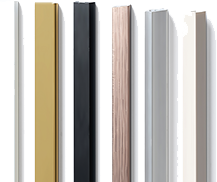
PVC Moulding
Sold by brand JinHuan
-
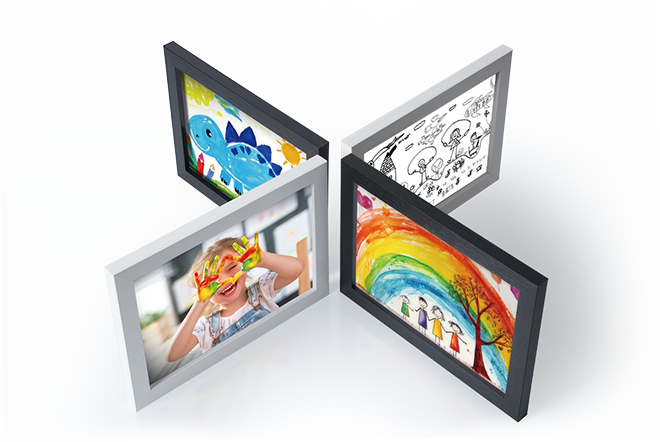
MDF Picture Frame
Sold by brand JinHuan
-
Iron Photo Frame
Sold by brand JinHuan

-
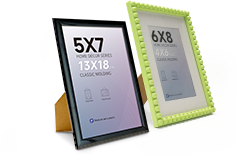
Plastic Injection Frame
Sold by brand JinHuan
-
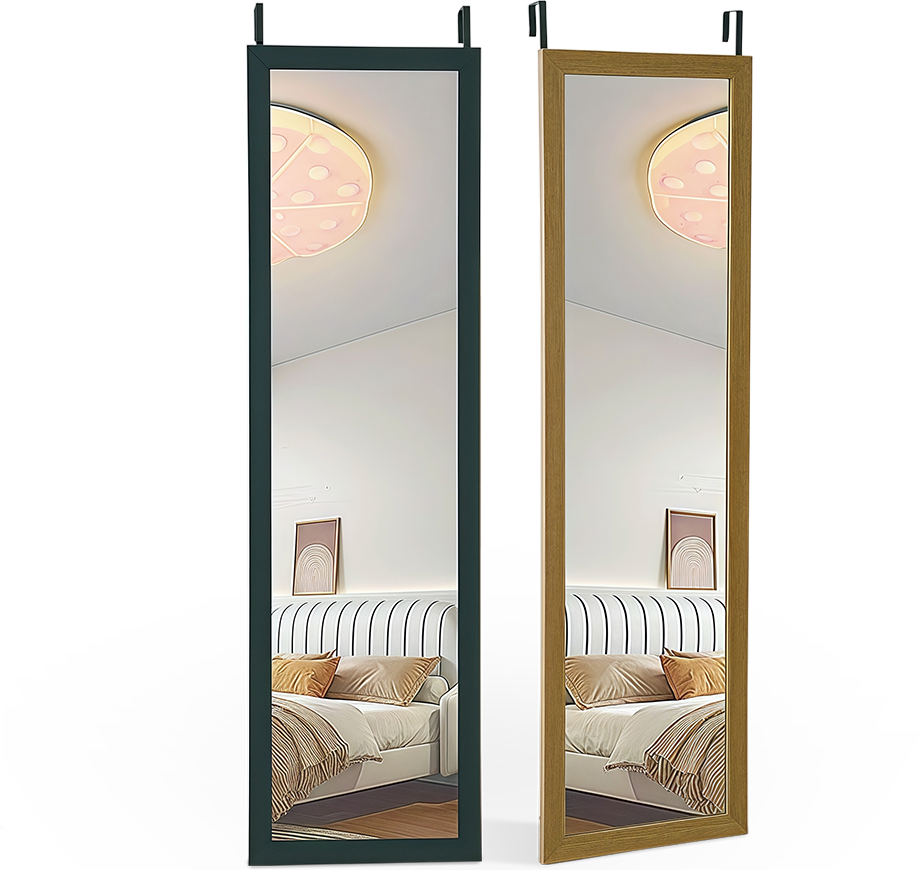
Mirror
Sold by brand JinHuan
-
Glass Picture Frame
Sold by brand JinHuan

-
PS Picture Frame
Sold by brand JinHuan

-
Solid Wood Picture Frame
Sold by brand JinHuan

-
Aluminum Alloy Picture Frame.
Sold by brand JinHuan

Electronic Photo Frame Factory
For these options, you don’t need to replace all of them—just select the individual item you require.
-

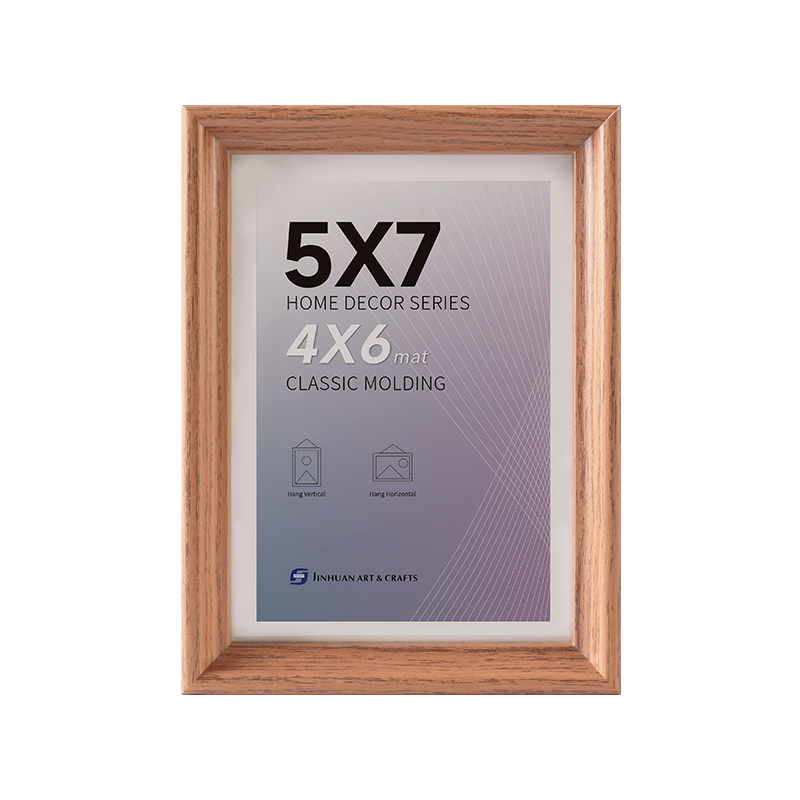 MDF H09A25 Curved Face Inner Bevel Narrow Picture Frame
-
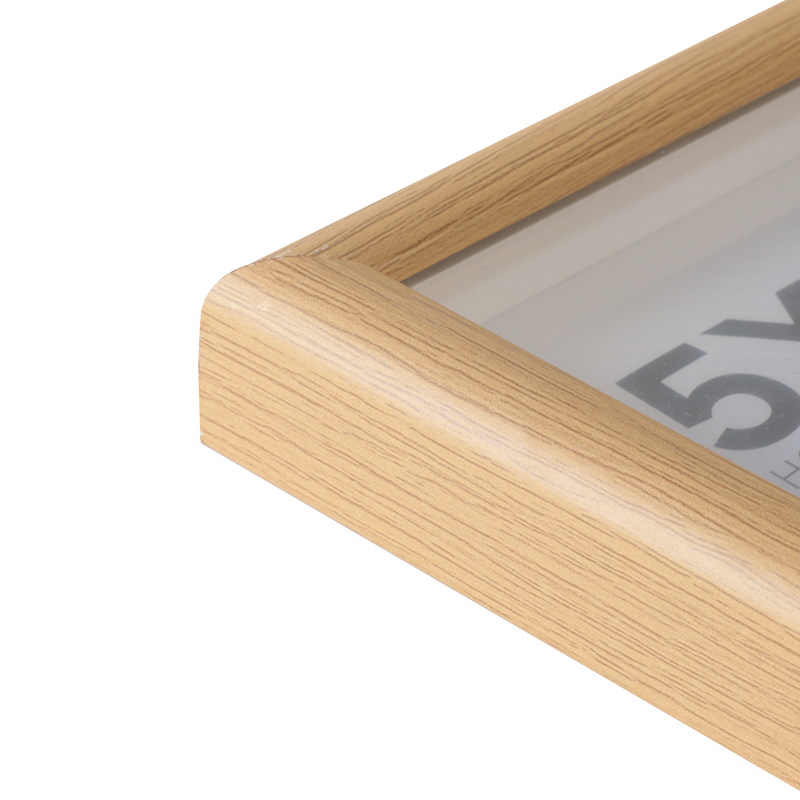
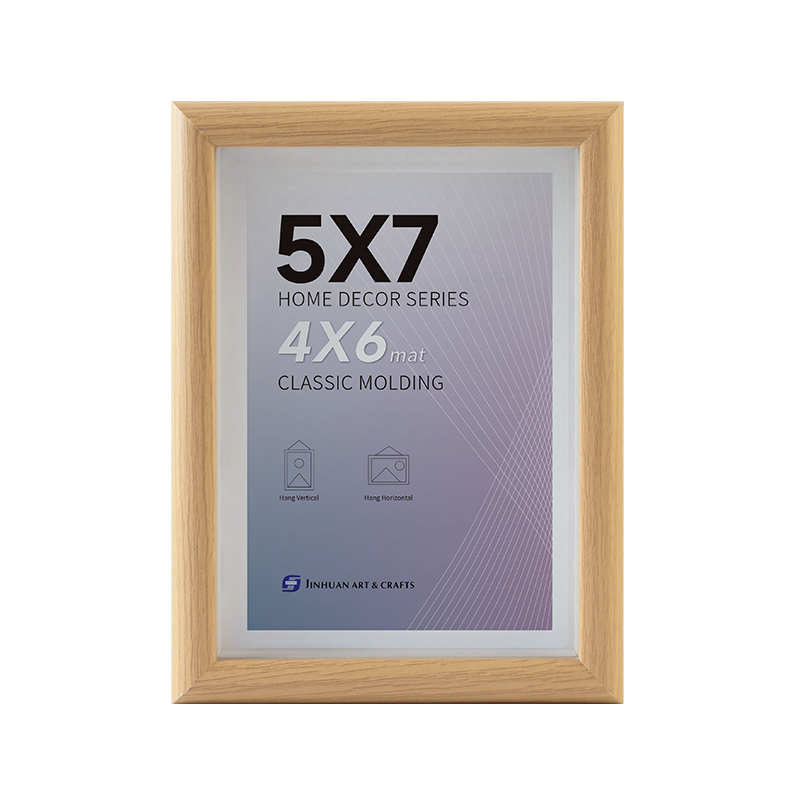 MDF H15F28 Wide Profile Curved Face Picture Frame
-
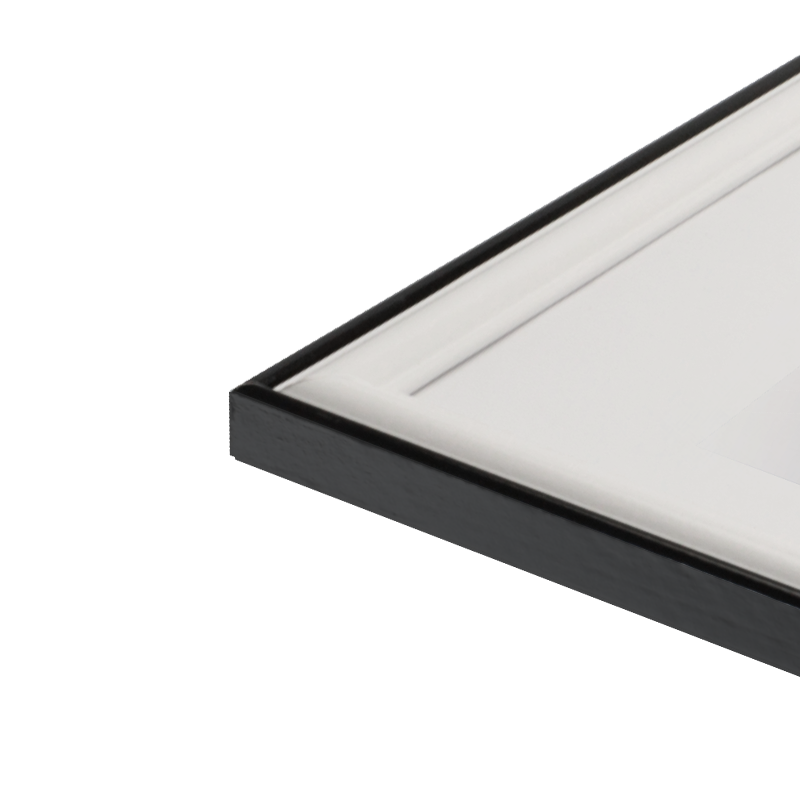
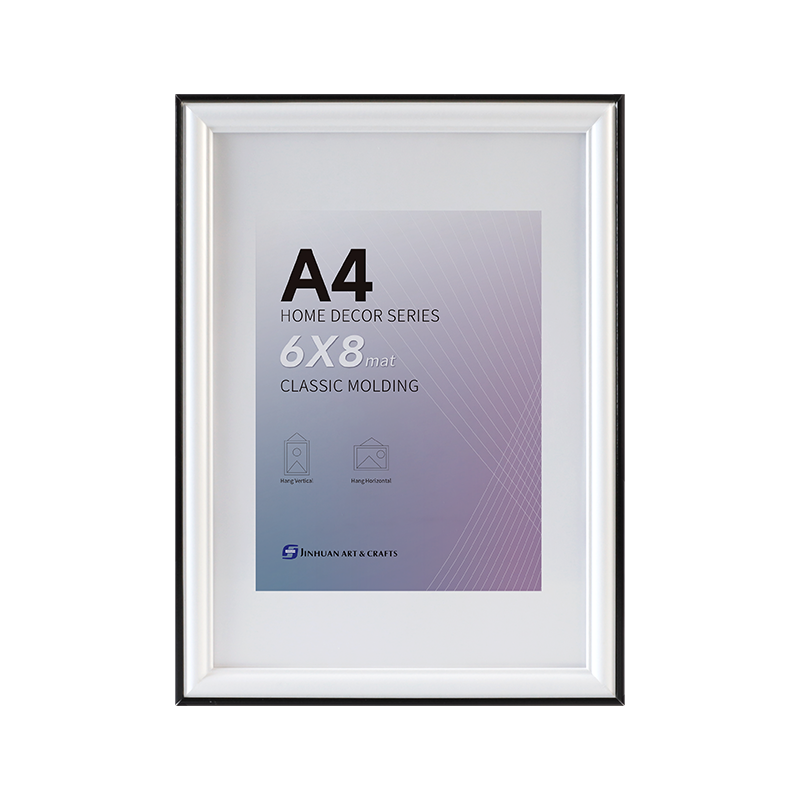 MDF H2015 Wide White Tabletop Picture Frame
-
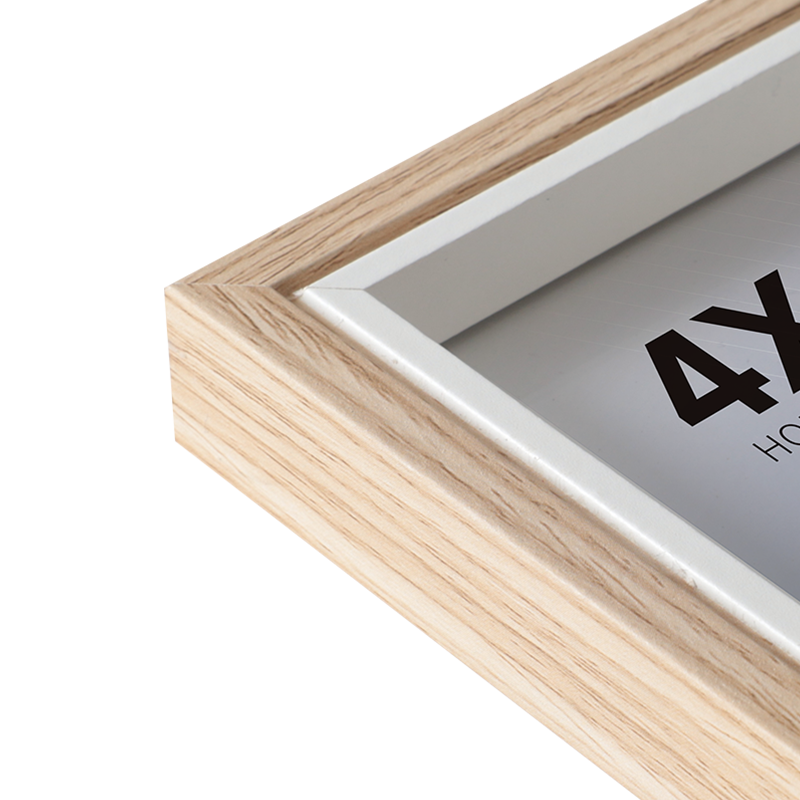
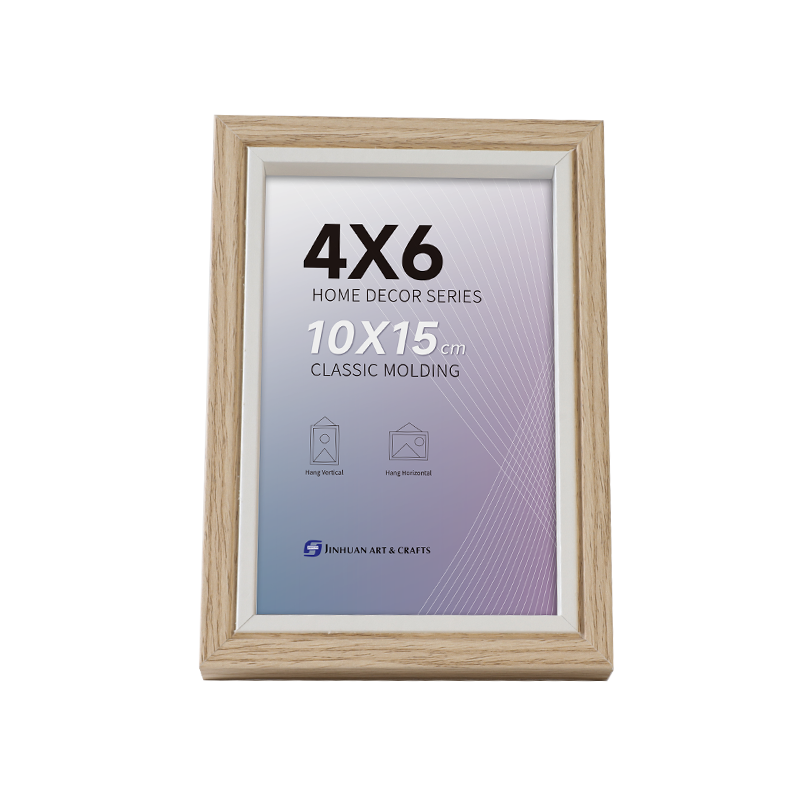 MDF 15U22 Flat Profile Picture Frame with Small Groove
-
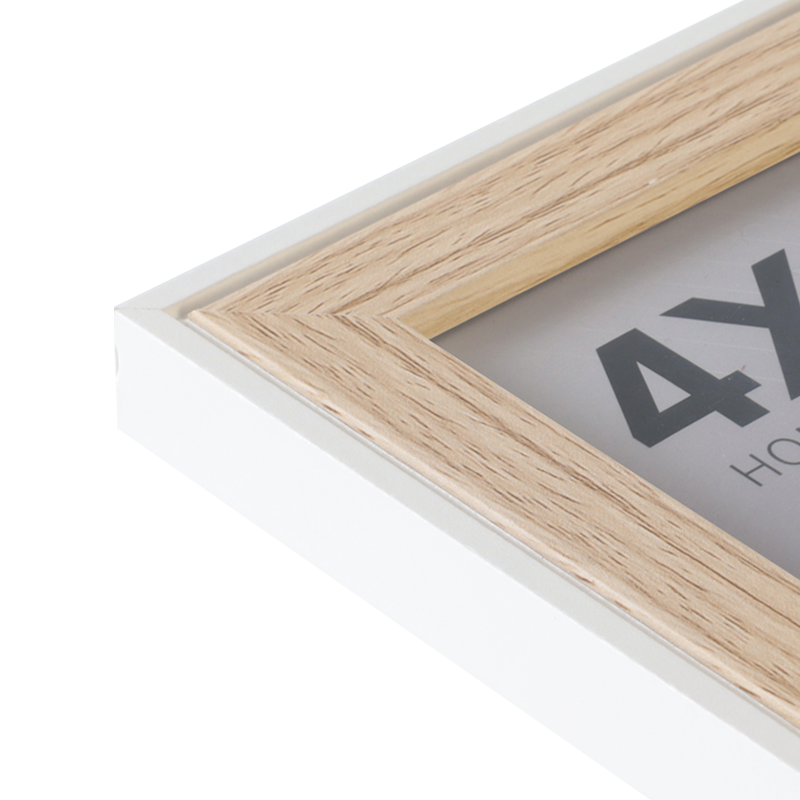
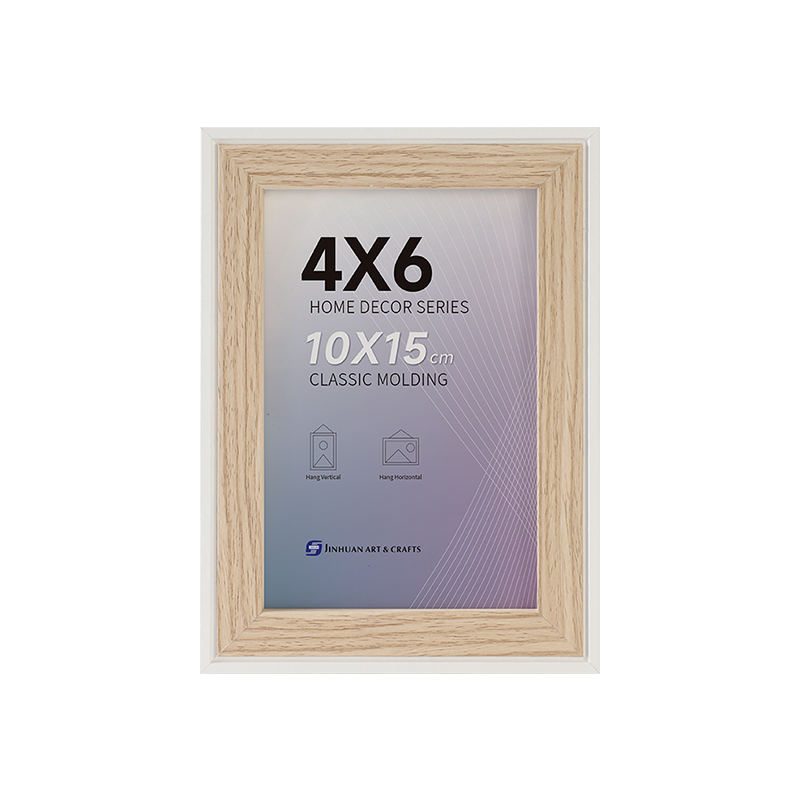 MDF 20U15 Flat Profile Dual-Frame Effect Picture Frame
-

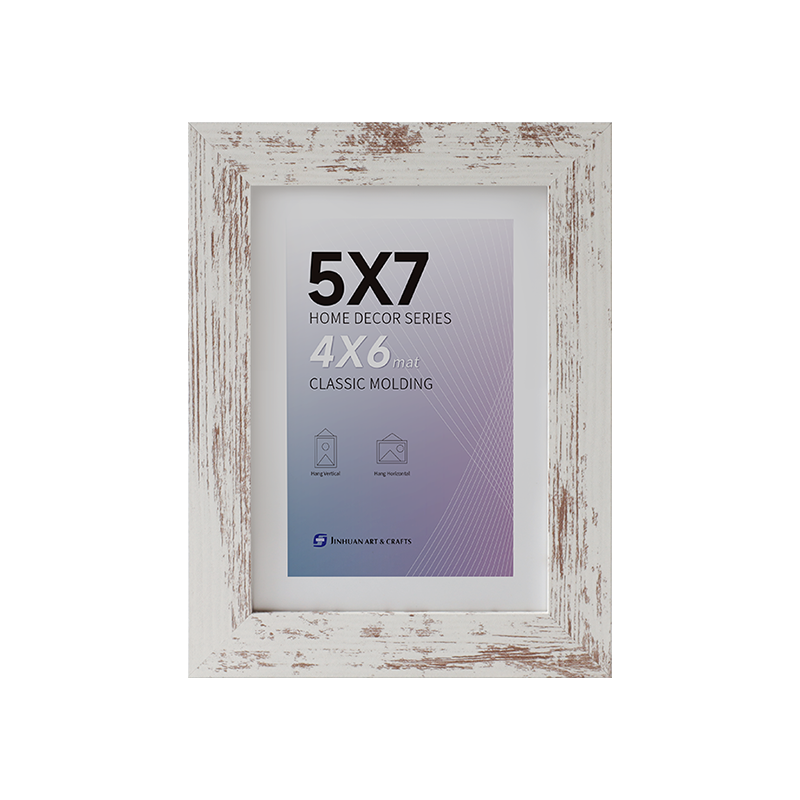 MDF 2512U Wide Flat Profile Picture Frame
-
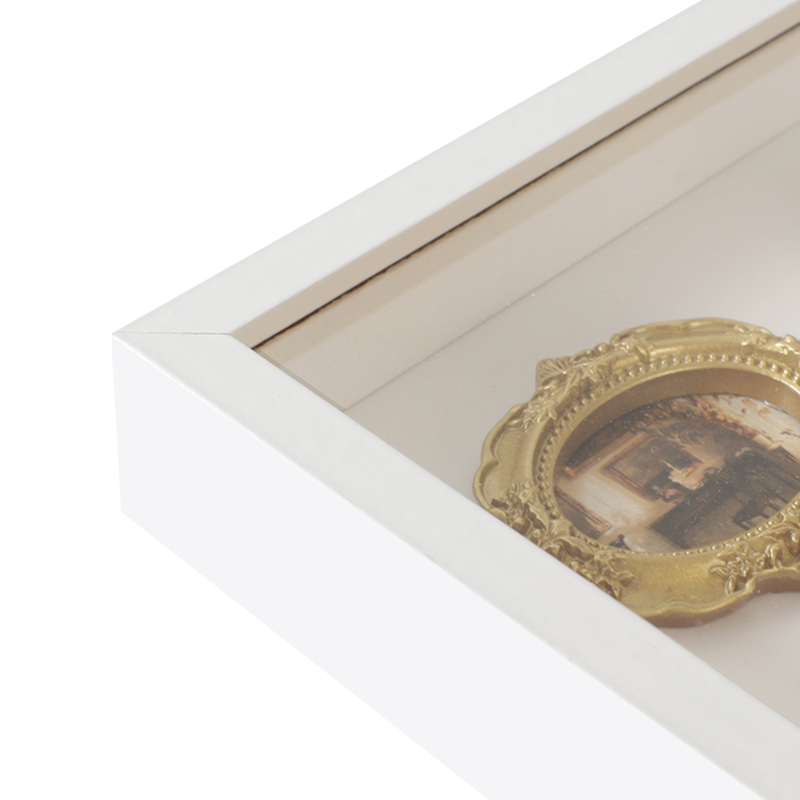
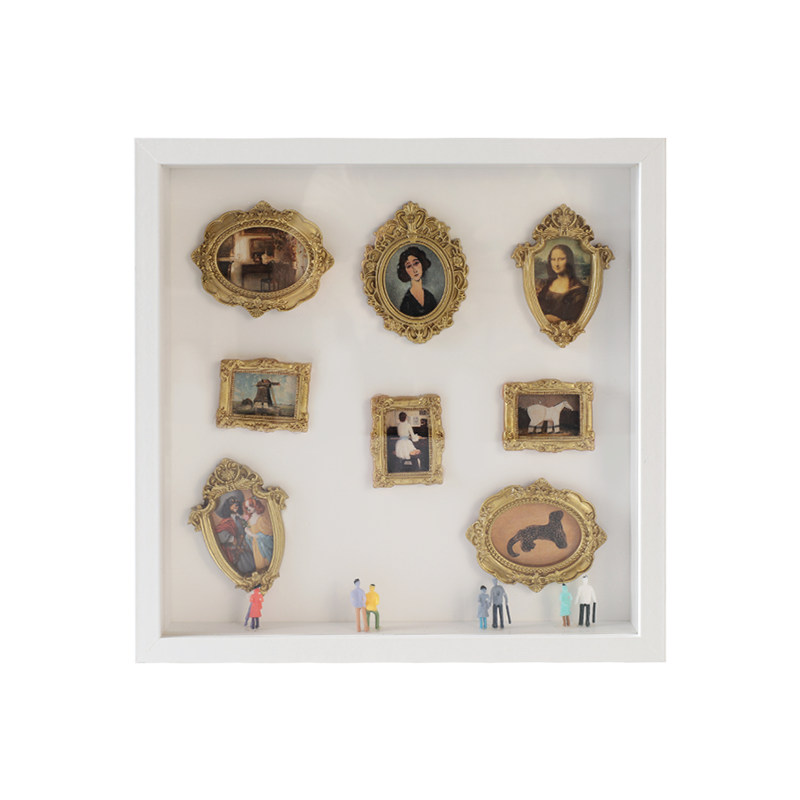 MDF 1235F Gallery Dimensional Design Picture Frame
Profile
Distribution
Production
Distribution
Learn more
Our products are exported to 20+ countries and regions worldwide, including the U.S., U.K., France, and other European and American markets, as well as Japan, South Korea, Southeast Asia, the Middle East, and Africa.
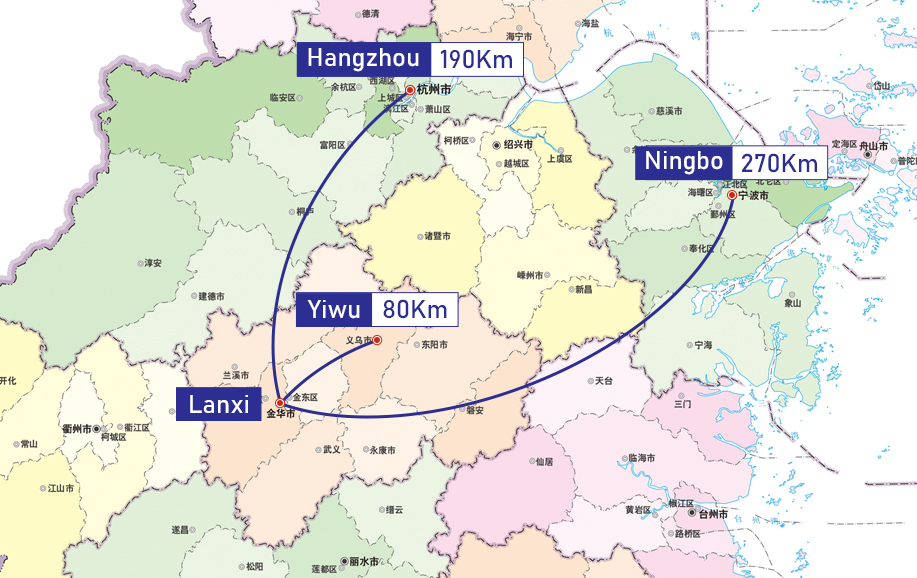
Production
Learn more
Equipped with advanced machinery and refined production processes, we maintain a strict quality control system that oversees every stage, from raw material procurement to manufacturing and final inspection, ensuring precise dimensions, impeccable craftsmanship, and lasting durability.

-
 0Year
0Year -
 0㎡
0㎡Building Area
-
 0+
0+Production Device
-
 0+
0+Employees
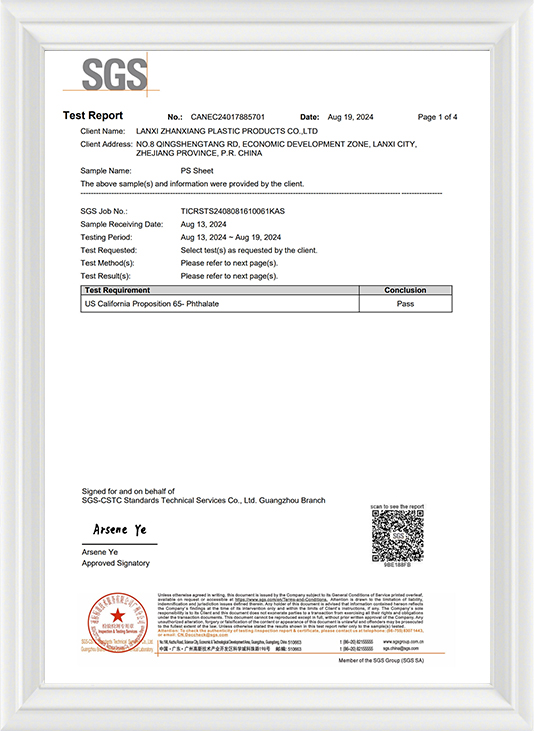
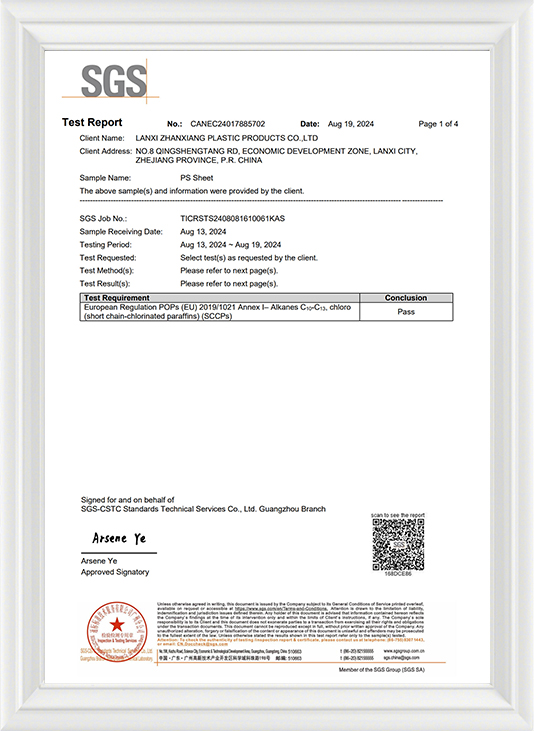
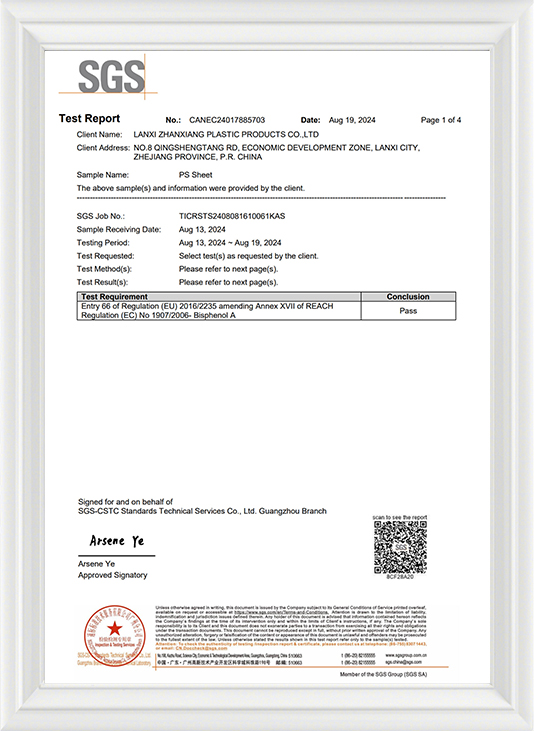
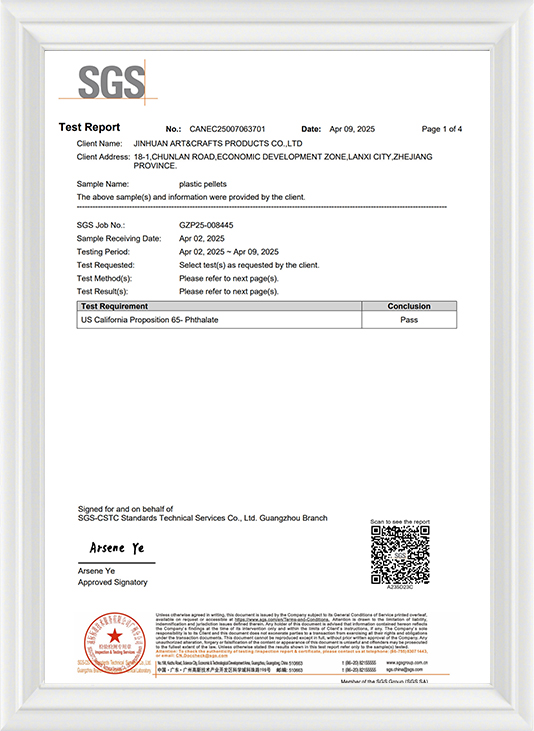
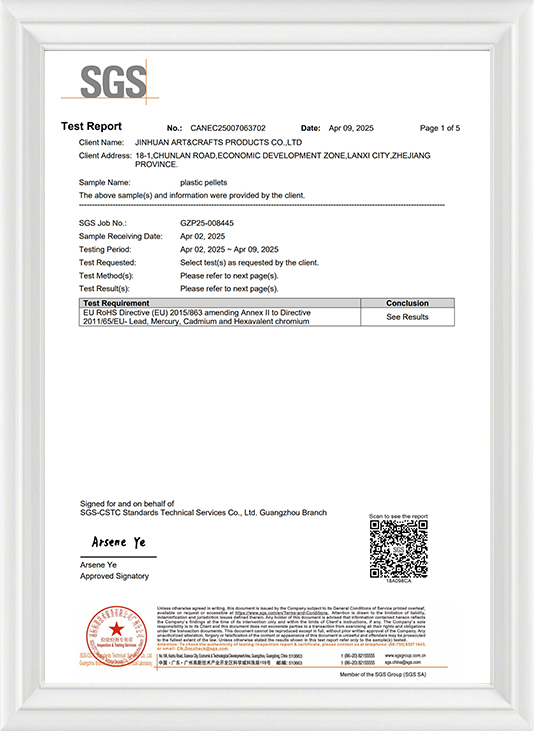
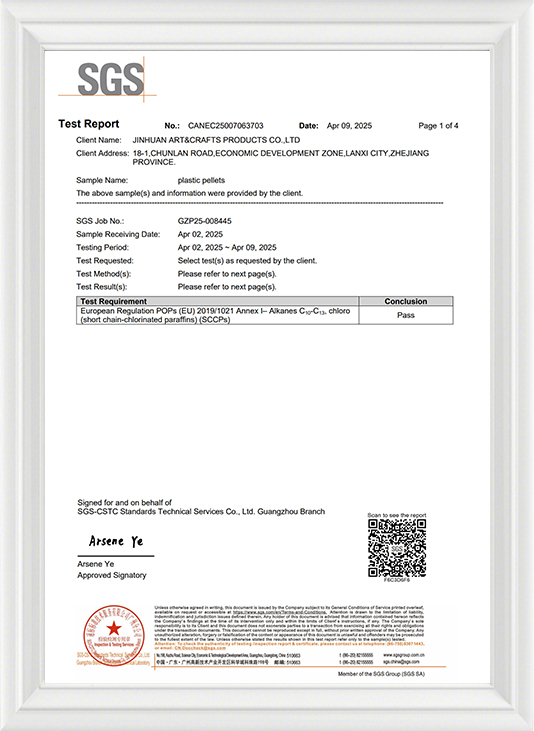
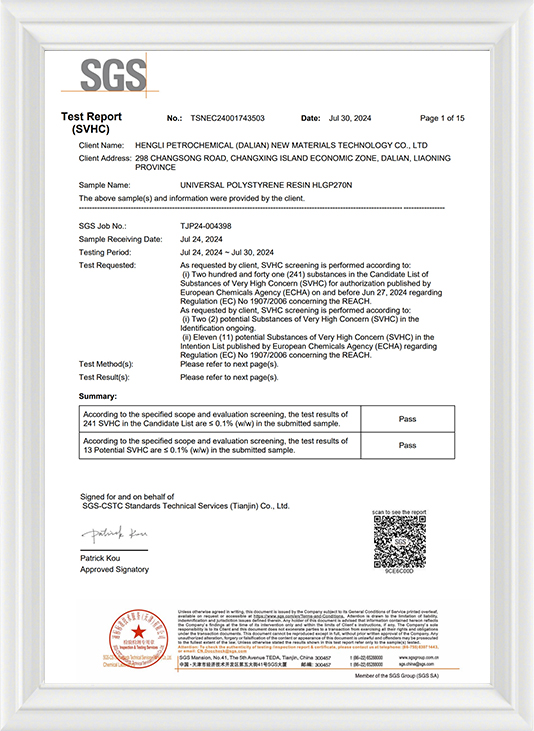
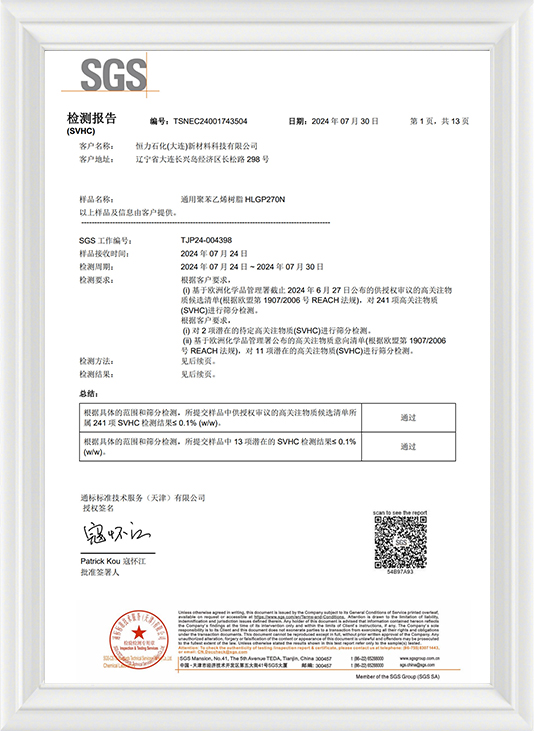
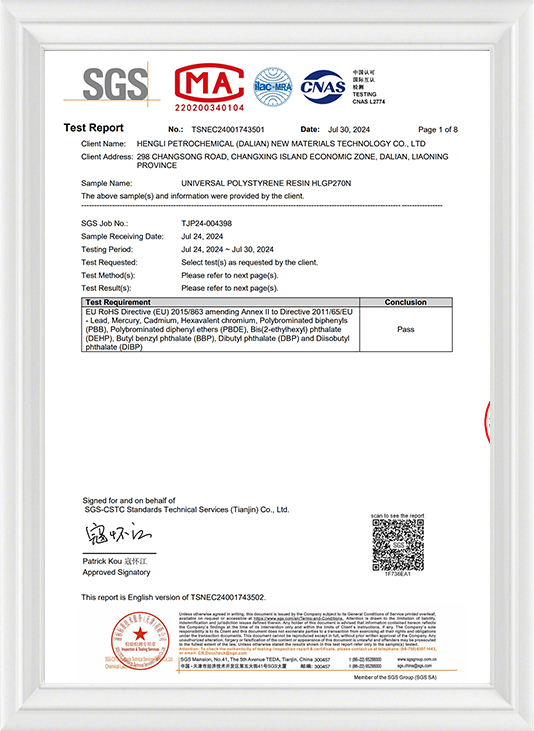
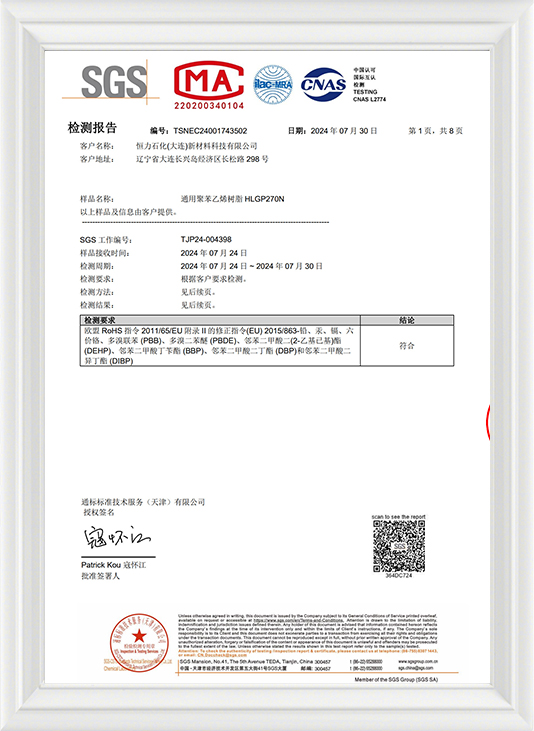
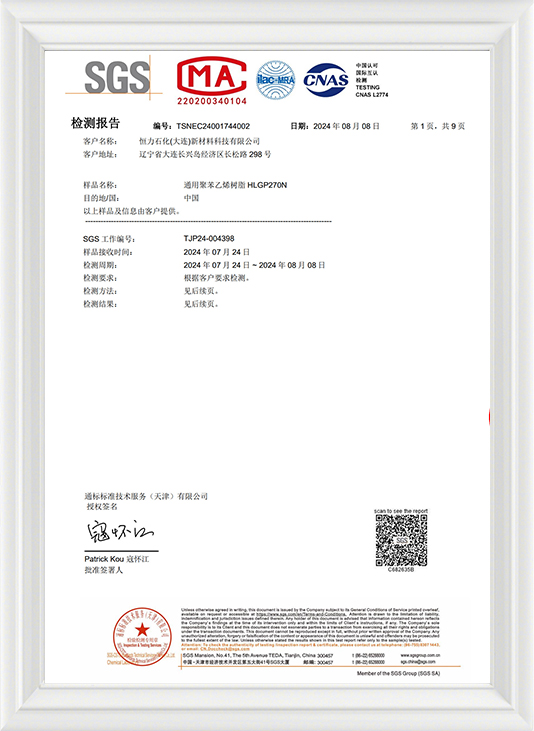
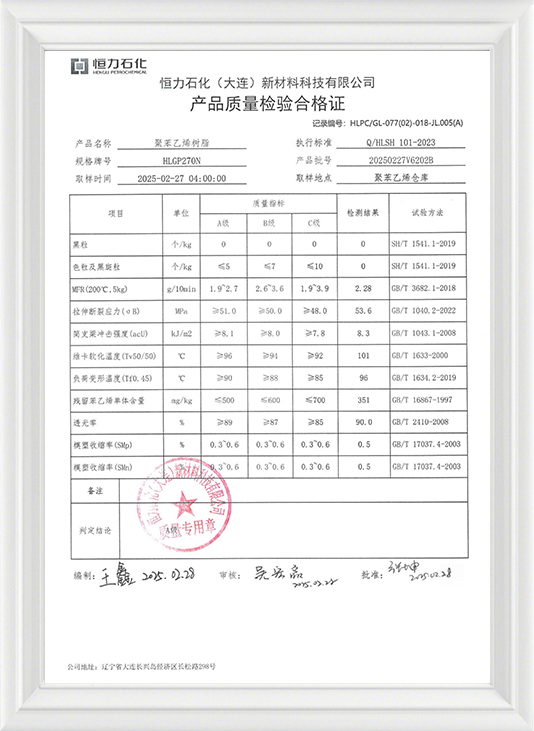

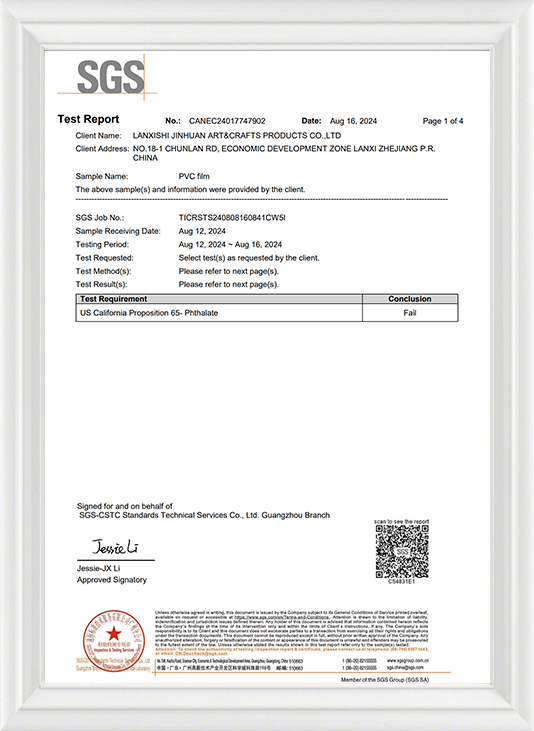
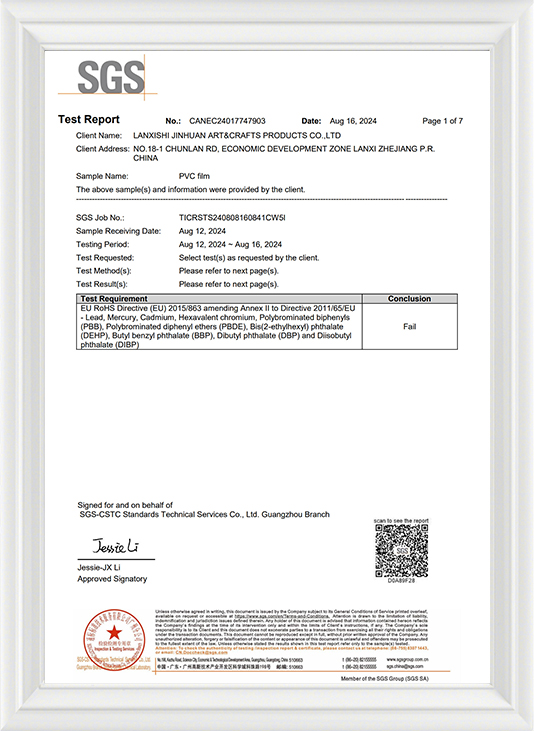
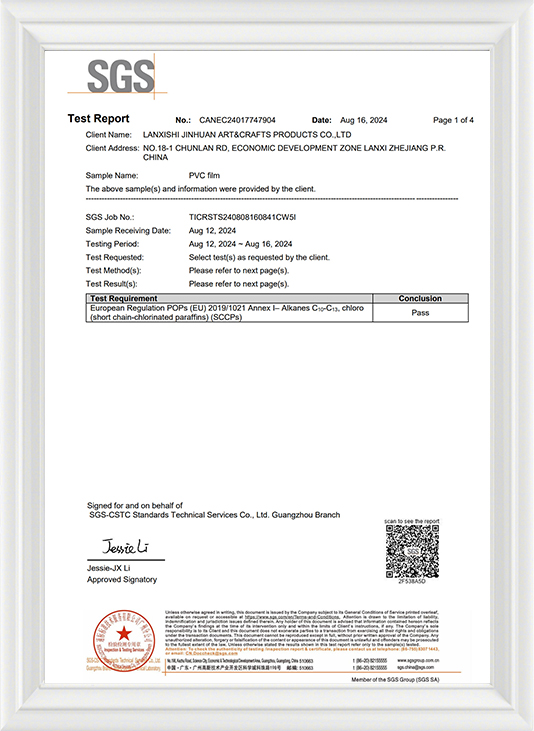
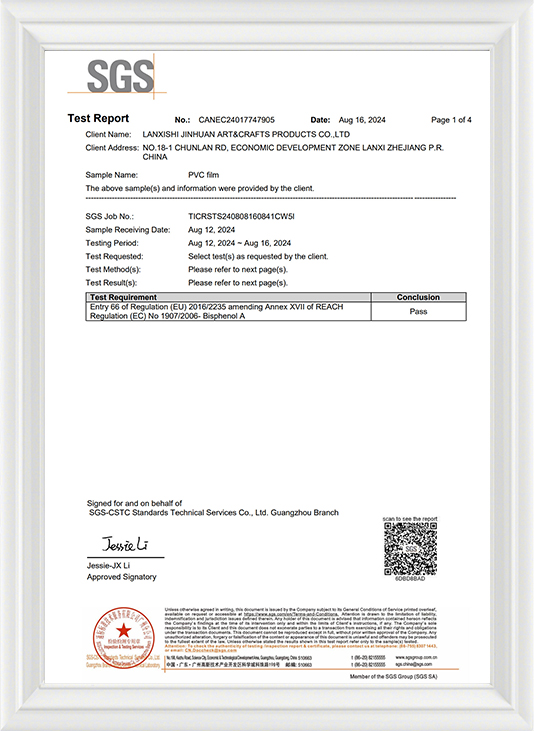

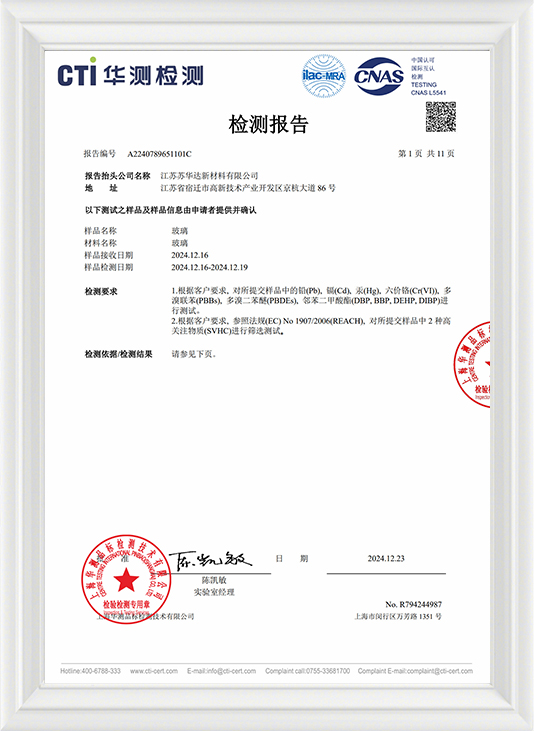
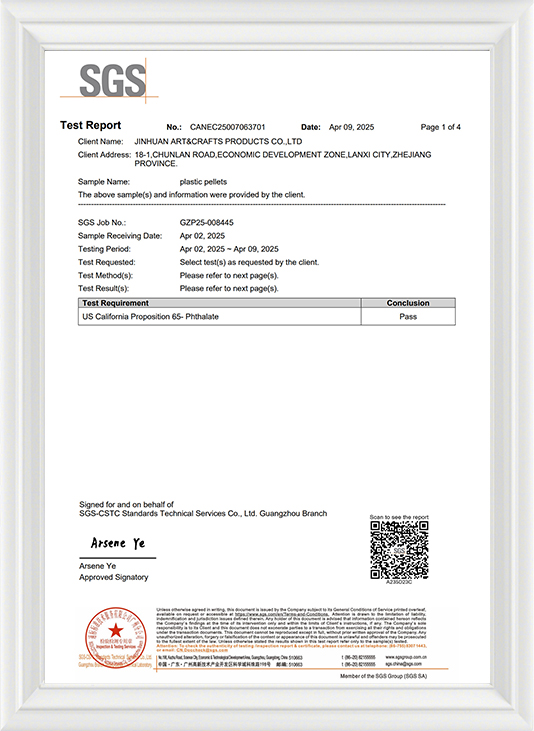
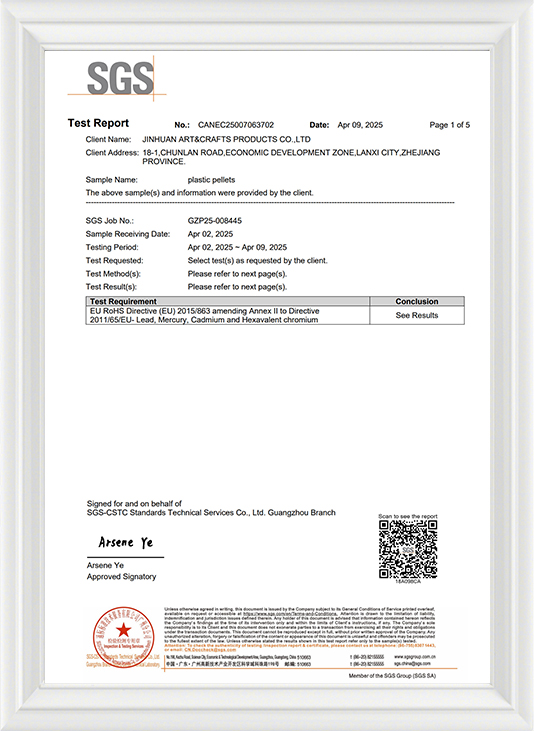
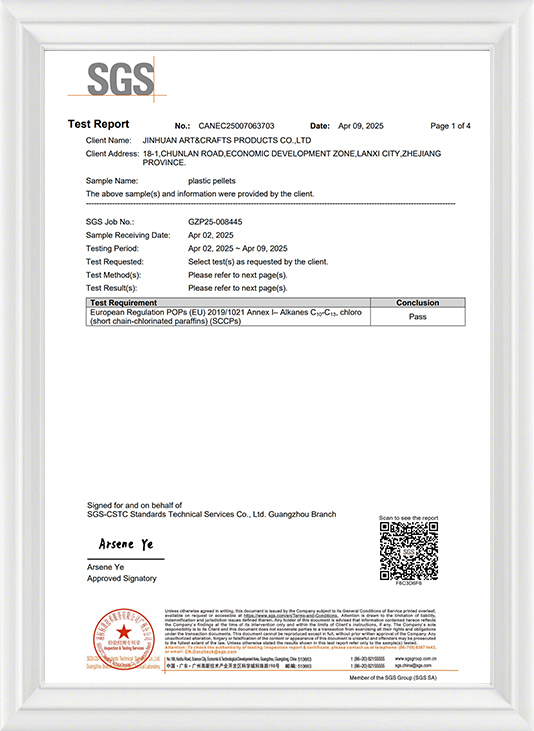
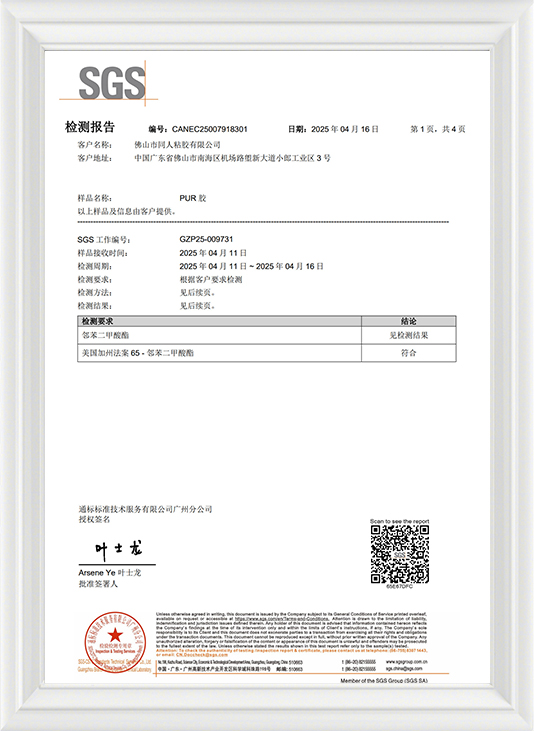
Our Certifications
Standards and certifications are important means of demonstrating product quality and social responsibility. Obtaining these certifications encourages sustainable and ethical production methods and builds trust in a company with partners and customers.
News & Stories
Industry Knowledge Extension
The Multifaceted Advantages of Electronic Picture Frames
Electronic picture frames represent a significant evolution in how we display and interact with our personal photographs. Their advantages over traditional frames are numerous and cater to the modern, connected lifestyle.
Expansive Digital Capacity: The immediate benefit is their vast storage. A single device can hold thousands of images, effectively consolidating numerous physical albums and frames into one compact unit. This allows for a dynamic slideshow that can cycle through a lifetime of memories, from childhood photos to recent vacation pictures, without ever displaying the same image twice in a short period.
Enhanced Connectivity and Sharing: Modern Wi-Fi-enabled frames have transformed a passive display into an interactive, shared experience. Family members and friends, regardless of their geographical location, can often send photos directly to the frame via a dedicated mobile app or email address. This feature fosters a sense of connection and allows grandparents, for instance, to receive instant updates of their grandchildren's activities, making the frame a living, updating family hub.
Dynamic and Versatile Display: Beyond static images, many frames support the playback of video clips and animated GIFs. This capability adds a layer of depth and vibrancy, capturing moments with motion and sound that a still photograph cannot. Furthermore, features like adjustable transition effects, customizable playlists for different events or people, and scheduled on/off times contribute to a personalized and energy-efficient viewing experience.
Common Materials in Electronic Picture Frame Construction
The manufacturing of electronic picture frames involves a careful selection of materials for both the internal electronics and the external housing, balancing function, durability, and aesthetics.
The Display Panel: The core of the device is the Liquid Crystal Display (LCD) screen. Many frames utilize TFT-LCD (Thin-Film Transistor) panels, which are favored for their relatively low cost, good image quality, and wide viewing angles. This screen is invariably protected by a durable plastic overlay, typically made from acrylic or polycarbonate. These materials are chosen because they are lightweight, shatter-resistant, and less likely to cause injury compared to glass, while still maintaining good optical clarity.
The Structural Housing: The outer casing that forms the "frame" itself is commonly manufactured from plastics. ABS (Acrylonitrile Butadiene Styrene) plastic is a prevalent choice due to its high impact strength, rigidity, and moldability, which allows for a variety of textures and finishes (such as matte, glossy, or faux woodgrain). For more premium models, aluminum or stainless steel is employed to provide a sleek, modern aesthetic and structural integrity. The rear cover is usually made from the same plastic as the housing or sometimes from a different lightweight polymer and includes a built-in stand, often with a kickstand design for tabletop placement.
The Production Steps for Digital Photo Frames
The assembly of a digital photo frame is a precise process that integrates electronic and mechanical components into a finished consumer product.
Stage 1: Component Sourcing and Preparation: The process begins with the procurement of all necessary parts from various suppliers. This includes the LCD screens, pre-fabricated plastic or metal housing pieces, the main PCB, buttons, speakers, and power supplies. The PCB itself may arrive pre-populated with its microchips and resistors through an automated Surface-Mount Technology (SMT) process, or this may be done at the assembly facility.
Stage 2: Sub-Assembly and Internal Integration: This phase involves bringing the core components together. The LCD screen is fitted into the front bezel of the housing. The main PCB is then carefully secured inside the rear housing, and all internal cables—such as those connecting the screen to the board, the power port, and any buttons—are attached. For frames with touch functionality, the digitizer layer is calibrated at this point. Any additional features, like a card reader slot or motion sensor, are also installed and connected.
Stage 3: Final Assembly, Testing, and Software Loading: The front and rear halves of the frame are joined together and secured, typically with screws or plastic snaps. Once fully assembled, each unit undergoes a rigorous quality control check. It is powered on to test screen functionality, color uniformity, and dead pixels. All ports, buttons, and wireless connectivity features are verified to be operational. After passing hardware inspection, the final firmware is installed, and the device is loaded with any default demonstration photos or settings.
Stage 4: Packaging and Distribution: The final step involves cleaning the screen, applying a protective film, and placing the unit into its retail packaging. This box typically includes accessories such as the power adapter, user manual, and sometimes a remote control. The packaged products are then palletized and distributed to retailers or directly to consumers, completing the production journey.
Electronic Picture Frame Factory
Copyright © JinHuan Art & Craft Products Co., Ltd. All Rights Reserved.
